Backing Up Data
Default Backup Policies
The system can automatically back up configuration files, Data Safe data, software packages, and log files.
Context
Data Safe
The Data Safe is a software system running in the HWT-IVS1800. It periodically backs up configuration files, database files, and software packages.
- Automatic backup
- Configuration files
The system automatically backs up data once at xx:05 (for example, 01:05) every day.
- Database files
The system automatically backs up data 24 times a day at an interval of 1 hour. The first backup is performed at 00:05. The first backup is full backup and subsequent backups are incremental backup. The number of backup files increases each time a manual backup is performed. For example, if you perform a manual backup at 03:20, a full backup file will be generated at 03:20.
- Software packages
The system automatically performs full data backup at xx:05 (for example, 01:05) every day only when the software package is changed.
- Configuration files
- Manual backup
For details about how to manually back up data, see Manually Backing Up Data.
Backup Policies
Type of Data to Be Backed Up |
Default Backup Path |
Default Backup Period |
|---|---|---|
Log files |
/opt/Backup/logback |
When each of five log files reaches 50 MB, the HWT-IVS1800 automatically performs compression and backup. For details about log file storage rules, see Log Processing Principle. |
Data Safe data: |
|
Ensure that the available space of the system partition is greater than 15 GB. If the capacity of the backup set exceeds 50 GB, the system clears the backup set by day until the number of backup sets is less than or equal to 7. The upgrade backup set is stored for seven days. After seven days, the upgrade backup set is deleted based on the common backup set clearing policy. |
Manually Backing Up Data
Procedure
- Log in to the OMU portal as the admin user. (
 Logging In to the OMU portal)
 - Choose .
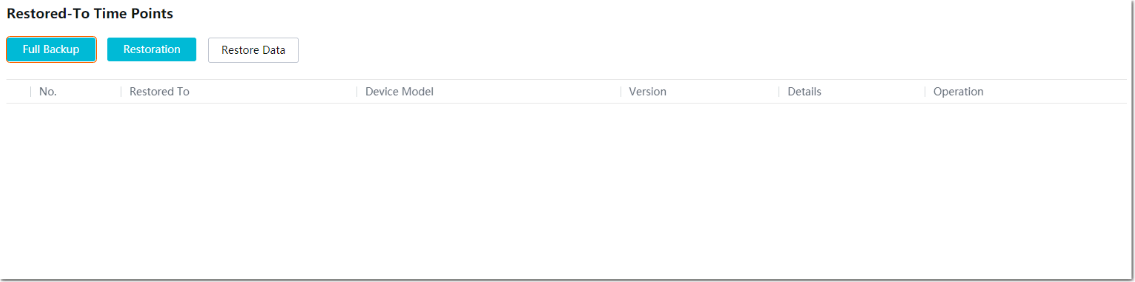
- Click Full Backup, as shown in Figure 6-28.